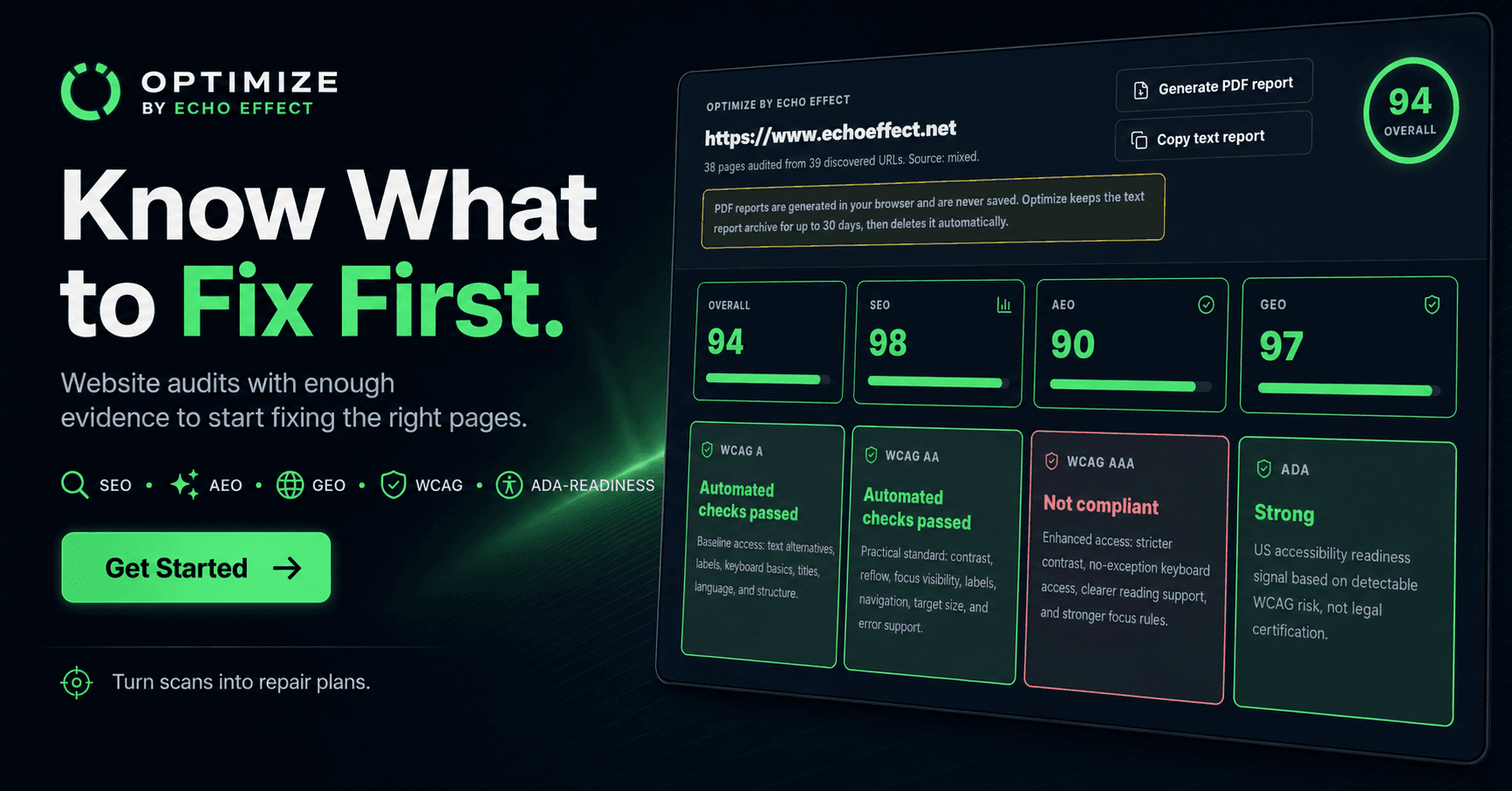
Building Optimize: Echo Effect's Website Audit Tool
A developer case study on building Optimize as a SaaS audit product with Next.js, Stripe subscriptions, reports, and practical SEO, AEO, GEO, and WCAG repair planning.
Optimize is the Software as a Service (SaaS) audit product I built for Echo Effect. It scans public websites for search engine optimization (SEO), answer engine optimization (AEO), generative engine optimization (GEO), crawler access, structured data, Web Content Accessibility Guidelines (WCAG), and Americans with Disabilities Act (ADA) readiness signals.
The short version is this: I wanted a tool that could tell a business owner what to fix first, why it matters, and whether the problem is isolated to one page or repeated across the site.
That sounds simple until you build it. A useful audit product is not just a scraper, not just a scorecard, and not just a PDF generator. It has to discover pages, evaluate them consistently, explain the findings clearly, package the result as something a real client can use, and charge for access without making the product feel like a hacked-on payment form.
Why I Built It
Echo Effect started as a service business: websites, social media support, content strategy, and practical digital presence work for small businesses. The problem I kept coming back to was that the first conversation with a client often starts too late.
A business owner usually knows the site is not working, but they do not know whether the issue is copy, crawl access, page structure, accessibility, local positioning, technical debt, or just a weak offer. Most audit tools either bury them in generic warnings or give them a score with very little repair context.
I built Optimize to sit between those extremes.
The product needed its own identity because it is not only a page inside Echo Effect. It is a packaged service offer with its own value proposition, pricing model, and report experience.
The goal was not to create another vanity score. The goal was to make the next step obvious.
The Product Concept
Optimize starts with the same question I would ask as a developer looking at a site manually: can the page be found, understood, trusted, and repaired?
That question became four product requirements:
- Discovery has to come before scoring.
- Page-level findings have to stay tied to the URL where they happened.
- Repeated issues have to roll up into sitewide patterns.
- Reports have to explain limits, especially around accessibility and legal compliance.
That last point matters. Automated checks are useful, but they do not certify a website as legally compliant. Optimize can detect technical accessibility issues and point teams toward repair work, but it should not pretend to replace manual testing, assistive technology review, or legal guidance.
That kind of honesty is part of the product design. If a tool overstates what it knows, it becomes less useful.
Building the Audit Flow
The first engineering challenge was making the scan feel structured instead of random.
Optimize looks at public site signals in layers:
- response status and redirects
- robots.txt and sitemap discovery
- internal page discovery
- titles, descriptions, canonical tags, and robots directives
- heading structure and image alternative text
- structured data
- content evidence and source support
- WCAG and ADA-readiness indicators
- AI crawler and discovery signals
The order matters because a page can have good writing and still fail before anyone gets to the writing. If robots rules block the crawler, the sitemap is thin, the canonical points somewhere else, or the page redirects unexpectedly, then content quality is not the first problem.
That is where the developer side of the build became interesting. I had to think less like "run a checklist" and more like "build a diagnostic sequence." Each layer changes how the rest of the report should be interpreted.
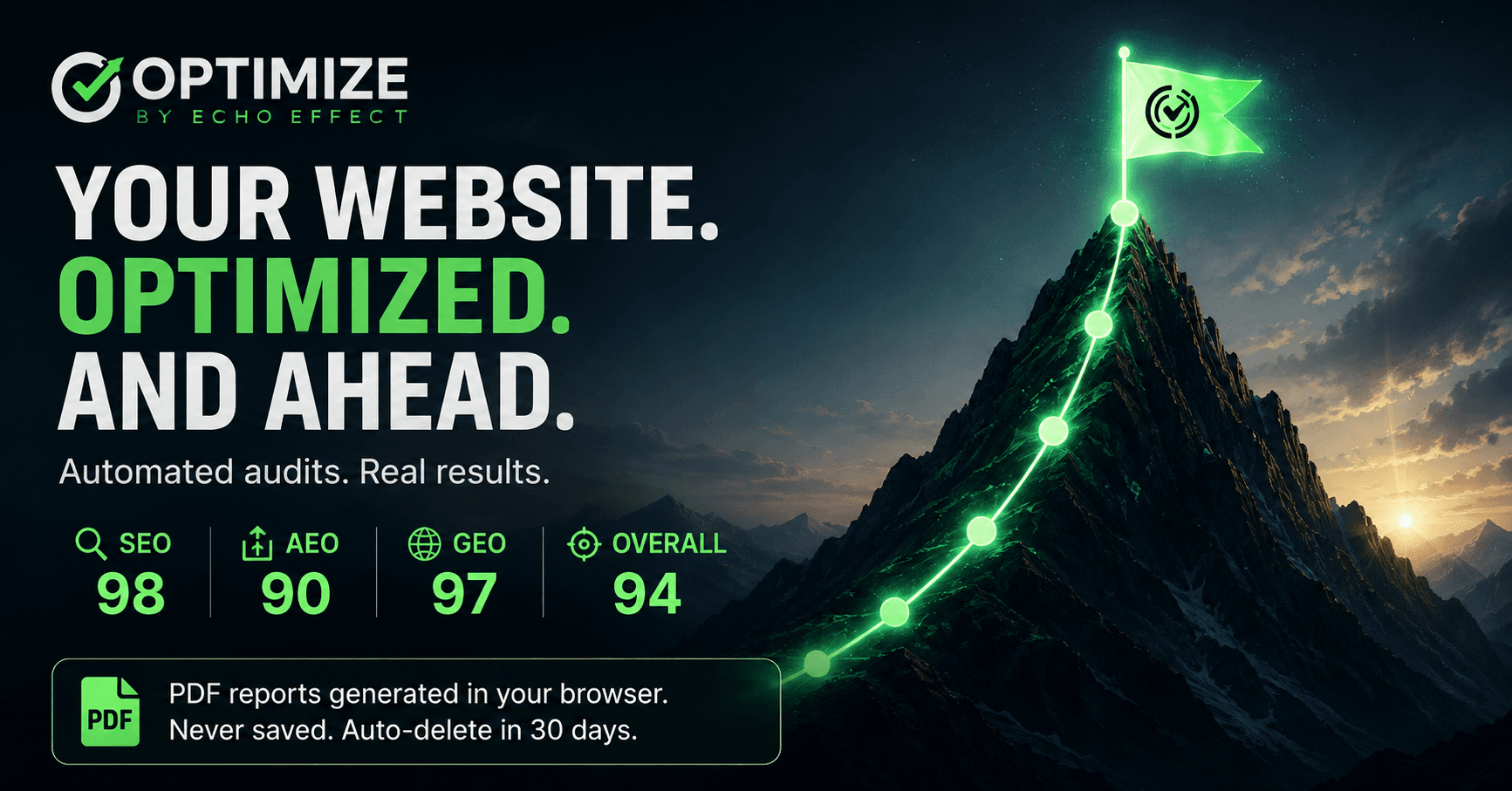
This visual matches the product philosophy: the score is not the destination. It is a way to prioritize the climb.
SEO, AEO, and GEO Needed Separate Lanes
One of the biggest decisions was separating SEO, AEO, and GEO instead of hiding everything under one score.
SEO asks whether search engines can crawl, index, understand, and serve the page.
AEO asks whether answer-style systems can extract a direct, useful response from the content.
GEO asks whether AI-assisted discovery systems can connect the right brand, person, topic, claim, and supporting evidence.
Those are connected, but they are not the same job. A canonical mismatch is not the same as a weak answer paragraph. A missing source link is not the same as a blocked crawler. A page can be technically indexable and still be weak for AI citation because the claims are vague or unsupported.
That separation made the report more useful. It also made the UI harder, because I had to show multiple readiness models without making the product feel like a wall of gauges.
Building It as SaaS Changed the Work
The product became more serious once I treated it as SaaS instead of a one-off internal tool.
SaaS forced me to make decisions that a static portfolio project does not force:
- Who gets access?
- What does a plan include?
- What happens when a scan is too large?
- How long should reports be available?
- What should happen when a customer changes plans?
- Which actions are paid product behavior and which are marketing/demo behavior?
That changed the architecture. A scan button is easy. A product workflow around scans is not.
Large scans need to be treated differently from quick scans because a 250 page site should not behave like a five page brochure site. That kind of work belongs in a background process with clear status, not a blocking user interaction where someone wonders whether the page froze.
Even the report archive had to be thought through. I did not want Optimize to become a permanent document warehouse. The product keeps text reports temporarily and lets users generate branded PDF reports in the browser. That keeps the product focused on audit, evidence, prioritization, and repair planning.
Stripe Was a Product Design Problem
Stripe was not just a payment integration. It forced the product model to become concrete.
It is easy to say "this should have paid tiers." It is harder to decide what the tiers mean in behavior. For Optimize, the pricing model had to map to how people actually use audits: scan credits, report access, plan boundaries, and subscription changes.
The work was not only "connect Stripe." It was deciding where billing state lives in the user experience.
The subscription path had to answer practical questions:
- Is the user allowed to run this scan?
- Which plan are they on?
- How should plan limits be explained?
- What happens if they upgrade?
- What happens if payment state and product state disagree?
- Which billing actions should live in Stripe's customer portal instead of my own UI?
That is where the build started feeling like real SaaS. Stripe handled the payment infrastructure, but the product still had to make billing understandable, predictable, and hard to misuse.
As a developer, I like that kind of work because it sits between code, product design, and business logic. The payment provider does not design your product for you. It gives you the rails. You still have to decide where those rails should go.
The Report Had to Be Useful Outside the App
A good audit report has to survive being shared.
That shaped the report design. I wanted someone to be able to copy findings into a planning doc, send a PDF to a client, or hand the output to a developer without needing a tour of the dashboard first.
That is why Optimize separates:
- critical blockers
- warnings
- opportunities
- page-specific findings
- repeated sitewide patterns
- manual review items
The distinction between page-specific and sitewide matters a lot. If one page has a bad heading structure, that is one fix. If every service page has the same problem, that is a component or template issue. The report needs to make that difference obvious or it wastes the reader's time.
What I Would Keep Improving
Optimize is live, but it is the kind of product that can keep getting sharper.
The next improvements I care about are not flashy. They are practical:
- stronger background handling for large scans
- clearer report history and scan status
- better grouping for repeated accessibility issues
- tighter explanations for business owners who do not speak developer shorthand
- more useful PDF layouts for client handoff
- stronger source evidence for GEO and AEO recommendations
That is the part I like about this project. It is not just a portfolio screenshot. It is a product with a real feedback loop.
What This Shows About My Work
Optimize shows the part of full-stack development I care about most: connecting the interface, the backend logic, the content model, the business model, and the user decision all the way through.
The build required Next.js, React, TypeScript, Stripe subscription thinking, report generation, crawl logic, accessibility triage, SEO/AEO/GEO scoring, and enough product judgment to avoid making promises the software cannot responsibly make.
It also gave Echo Effect a stronger offer. Instead of only saying "I can improve your website," Optimize gives the business a concrete way to show what is broken, where the evidence is, and how the repair path should be prioritized.
That is the kind of product work I want more of: useful software that explains itself, respects its limits, and helps people make better decisions.
FAQ
What is Optimize by Echo Effect?
Optimize is a SaaS website audit product that scans public pages for SEO, AEO, GEO, crawler access, structured data, WCAG, and ADA-readiness signals, then turns those findings into prioritized repair recommendations.
Why did you build Optimize?
I built Optimize to give Echo Effect a practical audit product that helps business owners understand what to fix first before paying for deeper website repair or redesign work.
How does Stripe fit into the product?
Stripe supports the subscription model. The product still has to decide how scan credits, plan limits, report access, upgrades, and billing state should behave inside the user experience.
Does Optimize certify ADA or WCAG compliance?
No. Optimize provides automated technical checks and repair planning. It does not replace manual accessibility testing, legal review, or formal compliance certification.
Why does this matter for my portfolio?
Optimize shows full-stack product development tied to a real business offer: SaaS packaging, Stripe billing, audit logic, report design, SEO/AEO/GEO strategy, accessibility triage, and client-facing service positioning.
Share this article

Ryan VerWey
Full-stack developer, Army veteran, and founder of Echo Effect LLC. His experience timeline documents current Ratespedia CTO work, Department of War contractor work, and prior Army service. More about Ryan or see the work.
Recommended Reading
Building Rupert: The AI Chatbot Behind My Portfolio
See how I built Rupert, my portfolio AI assistant using Next.js, Gemini, NAS-hosted RAG, Upstash limits, streaming UI, and scope controls.

Building BREKIN: A Mortgage AI Knowledge System for Ratespedia
See how I built BREKIN, a Ratespedia mortgage AI knowledge system with Next.js, Supabase, trainer workflows, voice input, and RAG.

Why Google Search Console Indexes Your Filter Pages as Separate URLs (And How to Stop It)
Learn why Google Search Console reports parameterized blog URLs and how Next.js metadata, canonicals, and crawl rules prevent indexing noise.